

Over 85% of new websites launched in 2026 start with shared hosting, yet many business owners misunderstand what it actually offers. Shared hosting allows multiple websites to share one server’s resources, making it the most cost-effective way to establish an online presence. This guide cuts through misconceptions about reliability and performance, explaining exactly how shared hosting works and why it remains ideal for entrepreneurs building their digital footprint.
Table of Contents
- What Is Shared Hosting And How Does It Work?
- Why Shared Hosting Is Ideal For Small To Medium Businesses In 2026
- Potential Drawbacks And When To Consider Upgrading From Shared Hosting
- How To Choose The Right Shared Hosting Plan For Your Business
- Explore Affordable, High-Performance Shared Hosting At ThunderHosting
Key takeaways
| Point | Details |
|---|---|
| Resource sharing model | Multiple websites share one server’s resources including CPU, memory, and bandwidth while maintaining separate files and databases. |
| Cost effectiveness | Shared hosting offers the lowest entry price for web hosting, with monthly costs divided among many users on the same server. |
| Performance considerations | Modern shared hosting suits moderate traffic sites but may require upgrades as visitor numbers grow substantially. |
| Ideal use cases | Perfect for small business websites, blogs, and showcase sites that don’t require extensive customization or handle massive traffic volumes. |
| Upgrade path available | Moving to VPS or dedicated hosting becomes necessary when resource demands exceed shared hosting capabilities. |
What is shared hosting and how does it work?
Shared hosting involves multiple websites hosted on a single physical server, sharing resources like network connection, disk space, RAM, and CPU. Think of it like an apartment building where each tenant has their own unit but shares the building’s utilities and infrastructure.

Each website operates independently with its own files, database, and domain name despite sharing the underlying server resources. When someone visits your website, the server routes their request to your specific files and database, keeping your site completely separate from neighbors on the same machine.
Modern servers run software like Apache or NGINX to manage this traffic efficiently. Virtualization technology creates isolated environments for each website, preventing one site from accessing another’s data. This isolation happens at the software level, maintaining security while maximizing resource efficiency.
Here’s how the resource sharing works in practice:
- CPU cycles get allocated dynamically based on demand
- Memory allocation shifts to websites experiencing active traffic
- Disk space is partitioned with specific limits per account
- Bandwidth gets monitored to prevent any single site from monopolizing network capacity
Resource management requires sophisticated algorithms to prevent conflicts. Hosting providers use control panels like cPanel or Plesk to help you manage your portion of server resources. These tools let you install applications, create email accounts, and monitor your site’s performance without touching command line interfaces.
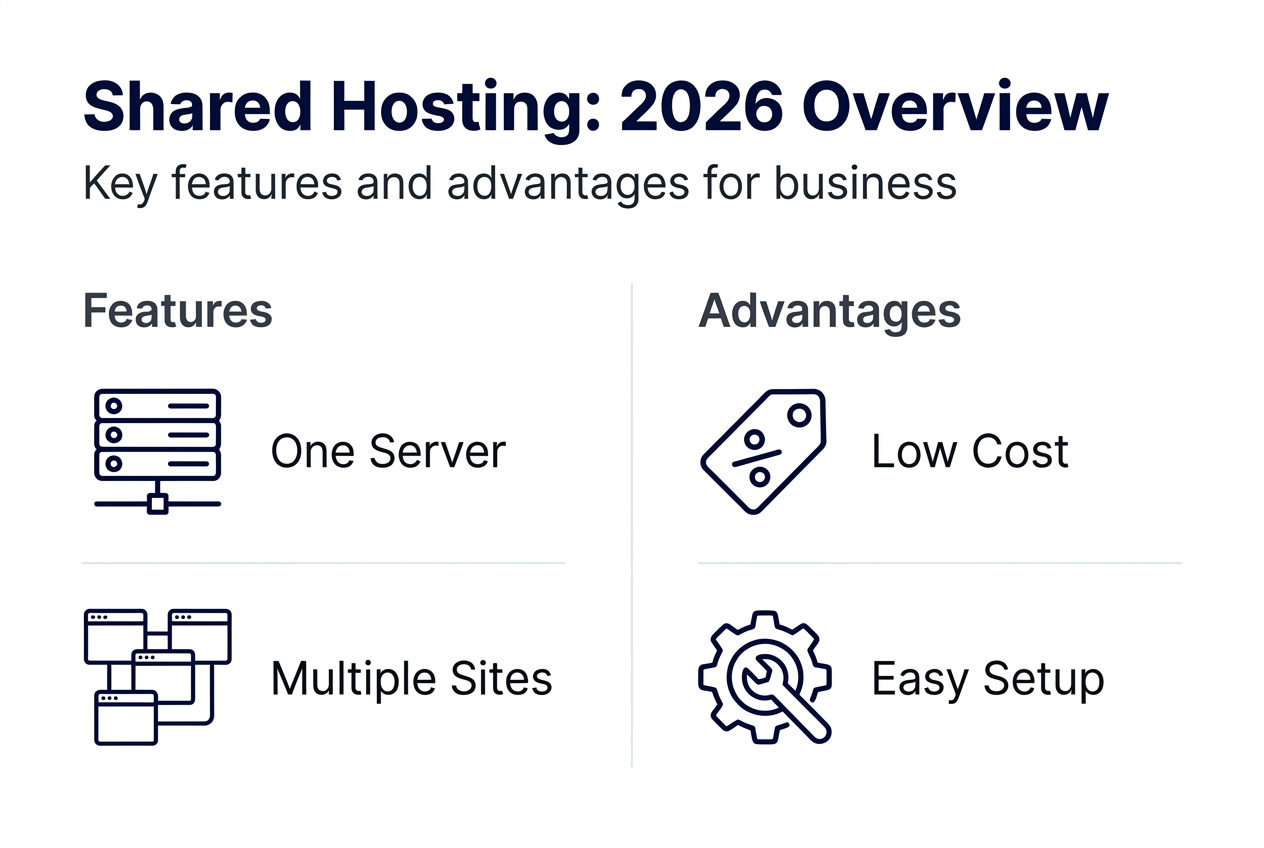
The underlying infrastructure typically includes redundant power supplies, network connections, and storage systems to maintain uptime. Your hosting provider handles all server maintenance, security patches, and hardware upgrades. This hands-off approach makes shared hosting particularly attractive for business owners who want to focus on their core operations rather than server administration.
Understanding what is web hosting fundamentally helps you appreciate why shared hosting represents such good value for money.
Why shared hosting is ideal for small to medium businesses in 2026
Shared hosting delivers unbeatable affordability with monthly costs often starting below $5 per month. Plans are offered at remarkably low introductory prices because the server maintenance cost gets divided among many customers. This pricing structure lets you launch a professional website without significant upfront investment.
The included features add tremendous value beyond basic hosting. Most providers bundle domain registration, email hosting with your domain name, SSL certificates for secure connections, and database management tools. You get everything needed to run a business website in one package.
Technical complexity disappears with shared hosting. Your provider handles server maintenance, security updates, and backup management, freeing you from tasks requiring specialized knowledge. One-click installers let you set up WordPress, Joomla, or other content management systems in minutes rather than hours.
Modern shared hosting benefits from significant technological improvements:
- SSD storage delivers faster page loading than older hard drive systems
- Content delivery networks accelerate site speed for global visitors
- Automated security scanning detects and blocks threats in real time
- Resource monitoring prevents server overload before it impacts performance
These advances mean 2026 shared hosting outperforms what premium plans offered just a few years ago. Shared hosting suits blogs, showcase websites, and projects with moderate traffic, making it perfect for most small business needs.
The typical small business website receives a few hundred to a few thousand visitors monthly. Shared hosting handles this traffic level comfortably while leaving room for growth. You can scale your online presence gradually without overpaying for resources you don’t yet need.
Pro Tip: Start with shared hosting and monitor your resource usage monthly. Most providers offer dashboards showing CPU, memory, and bandwidth consumption, helping you identify the right time to upgrade before performance issues emerge.
Learning how to choose web hosting for small businesses ensures you maximize the value from your hosting investment. Explore affordable web hosting options that fit your budget and technical requirements.
Potential drawbacks and when to consider upgrading from shared hosting
Resource contention or the bad neighbor problem represents shared hosting’s biggest limitation. When one website on your server experiences a traffic spike or runs resource-intensive processes, it can slow down every other site sharing that machine. This happens because all sites draw from the same pool of CPU, memory, and bandwidth.
Shared IP addresses create another constraint. Multiple websites share the same IP address, which can occasionally affect email deliverability or SEO if a neighboring site engages in spam or malicious activity. Reputable providers monitor for this, but the risk exists.
Customization options get restricted on shared hosting. You can’t install custom software, modify server configurations, or access root-level settings. These limitations rarely matter for standard business websites but become problematic for specialized applications or advanced development needs.
Security concerns arise from the shared environment. While modern hosts use isolation technologies, vulnerabilities in one site theoretically could impact others. Automated security monitoring mitigates this risk, but dedicated resources always provide stronger security guarantees.
Performance varies based on server load and the physical hardware your provider uses. During peak usage times, you might notice slower response times as the server processes requests from dozens or hundreds of websites simultaneously.
Recognize these signs that it’s time to upgrade:
- Your website regularly exceeds resource limits, triggering throttling or temporary suspensions
- Page load times slow down noticeably, especially during business hours
- You need custom software installations or specific server configurations
- Traffic has grown beyond a few thousand visitors daily
- You require guaranteed resources for consistent performance
- Security compliance needs demand isolated hosting environments
Consider the scalability of shared hosting as your business grows. You may need to upgrade to a VPS or dedicated server to handle increased traffic and resource demands. The transition usually happens when you outgrow the shared environment rather than hitting a specific traffic threshold.
VPS hosting provides dedicated resources within a virtualized environment, eliminating the bad neighbor effect while maintaining affordability. Dedicated servers give you an entire physical machine, offering maximum performance and customization for high-traffic or resource-intensive websites.
| Hosting Type | Monthly Cost Range | Best For | Resource Allocation |
|---|---|---|---|
| Shared | $3 to $15 | New sites, low to moderate traffic | Shared among many sites |
| VPS | $20 to $100 | Growing businesses, moderate to high traffic | Dedicated virtual resources |
| Dedicated | $80 to $500+ | High traffic sites, custom applications | Entire physical server |
Pro Tip: Don’t wait until performance problems frustrate your visitors. Monitor your analytics for increasing load times and resource usage warnings, then upgrade proactively to maintain a smooth user experience.
Understanding what is VPS hosting helps you recognize when that upgrade makes sense. For even larger needs, learn what is dedicated server hosting and how it differs from shared options.
How to choose the right shared hosting plan for your business
Evaluate pricing structures carefully beyond just the advertised monthly rate. Many providers offer low introductory prices that increase significantly upon renewal. Calculate the true annual cost including renewal rates, domain registration fees, and any mandatory add-ons.
Uptime guarantees are crucial with providers typically offering SLAs ranging from 99.9% to 99.99%. This difference matters more than it appears. A 99.9% guarantee allows 8.76 hours of downtime yearly, while 99.99% permits only 52.56 minutes.
Speed and performance metrics separate good hosts from mediocre ones. The gap between budget and premium hosting has narrowed significantly. A $4 monthly plan today often outperforms a $20 monthly plan from 2023 thanks to improved technology and infrastructure.
Customer support quality makes or breaks your hosting experience. Look for providers offering 24/7 support through multiple channels including live chat, phone, and ticket systems. Read recent customer reviews focusing on support responsiveness and technical expertise.
Essential features to prioritize include:
- Automated daily backups with easy restoration options
- Free SSL certificates for secure HTTPS connections
- Email hosting with your domain name
- One-click installers for WordPress and other platforms
- Staging environments for testing changes safely
- Content delivery network integration for faster global loading
Resource limits vary dramatically between plans. Compare storage space, monthly bandwidth allowances, and the number of websites allowed per account. Many budget plans restrict you to one website, while business plans accommodate multiple domains.
| Feature | Entry Plan | Business Plan | Importance |
|---|---|---|---|
| Storage | 10 to 50 GB | 100 GB to unlimited | High for media-rich sites |
| Bandwidth | 100 GB to unlimited | Unlimited | High for video content |
| Email accounts | 5 to 10 | Unlimited | Medium for teams |
| Websites allowed | 1 | 5 to unlimited | High for multi-site owners |
| SSL certificate | Included | Included | Critical for all sites |
Service level agreements detail exactly what uptime percentage the provider commits to and what compensation you receive if they fall short. Most reputable hosts offer account credits for downtime exceeding their guarantee, though these rarely compensate for lost business revenue.
Read the fine print regarding resource usage policies. Some providers advertise unlimited storage or bandwidth but include fair use policies that restrict high-resource accounts. Understanding these limitations prevents unpleasant surprises as your site grows.
Test the control panel interface before committing. Most providers offer money-back guarantees allowing you to explore their dashboard, test site speed, and evaluate the overall user experience risk-free for 30 to 60 days.
Mastering web hosting terminology empowers you to compare plans accurately and ask informed questions when evaluating providers.
Explore affordable, high-performance shared hosting at ThunderHosting
You now understand how shared hosting works and when it fits your business needs. ThunderHosting delivers budget-friendly shared hosting plans combining excellent uptime, fast loading speeds, and responsive customer support. Our plans include everything you need to launch and grow your online presence: easy setup wizards, SSL certificates, email hosting, domain management, and 24/7 technical support from hosting experts.
As your business expands, our flexible upgrade paths let you move seamlessly to VPS or dedicated servers without migration headaches. We handle the technical complexity so you can focus on growing your business. Discover affordable web hosting options designed specifically for small business success. Our team helps you make informed decisions about choosing web hosting for small businesses, ensuring you get the right resources at the right price. When you’re ready for more power, explore our VPS hosting plans offering dedicated resources and enhanced performance.
FAQ
Is shared hosting secure enough for my small business website?
Modern shared hosting providers use automated security monitoring and isolation technologies to protect websites from threats. Reputable hosts implement SSL certificates and regular backups to keep sites safe. While dedicated hosting offers stronger security guarantees, shared hosting provides adequate protection for most small business needs when you choose a quality provider.
Can my website handle growth on shared hosting?
Shared hosting suits moderate traffic levels comfortably but may struggle with high visitor volumes or resource-intensive applications. Most small business sites operate successfully on shared hosting for years. Upgrading to VPS or dedicated hosting becomes necessary when you consistently exceed resource limits or experience performance slowdowns during peak traffic periods.
What features should I look for in a shared hosting provider?
Prioritize uptime guarantees of 99.9% or higher along with responsive 24/7 customer support through multiple channels. Automatic backups and easy CMS installation save time and reduce technical complexity. Included SSL certificates and email hosting with your domain add convenience and security. Look for transparent pricing without hidden renewal rate increases.
Is shared hosting suitable for e-commerce websites?
Small e-commerce sites with moderate traffic and limited product catalogs can start successfully on shared hosting. The included SSL certificates provide necessary transaction security for basic stores. High-traffic stores, sites handling sensitive customer data, or businesses requiring custom integrations should consider VPS or dedicated hosting for better reliability, performance, and security guarantees.